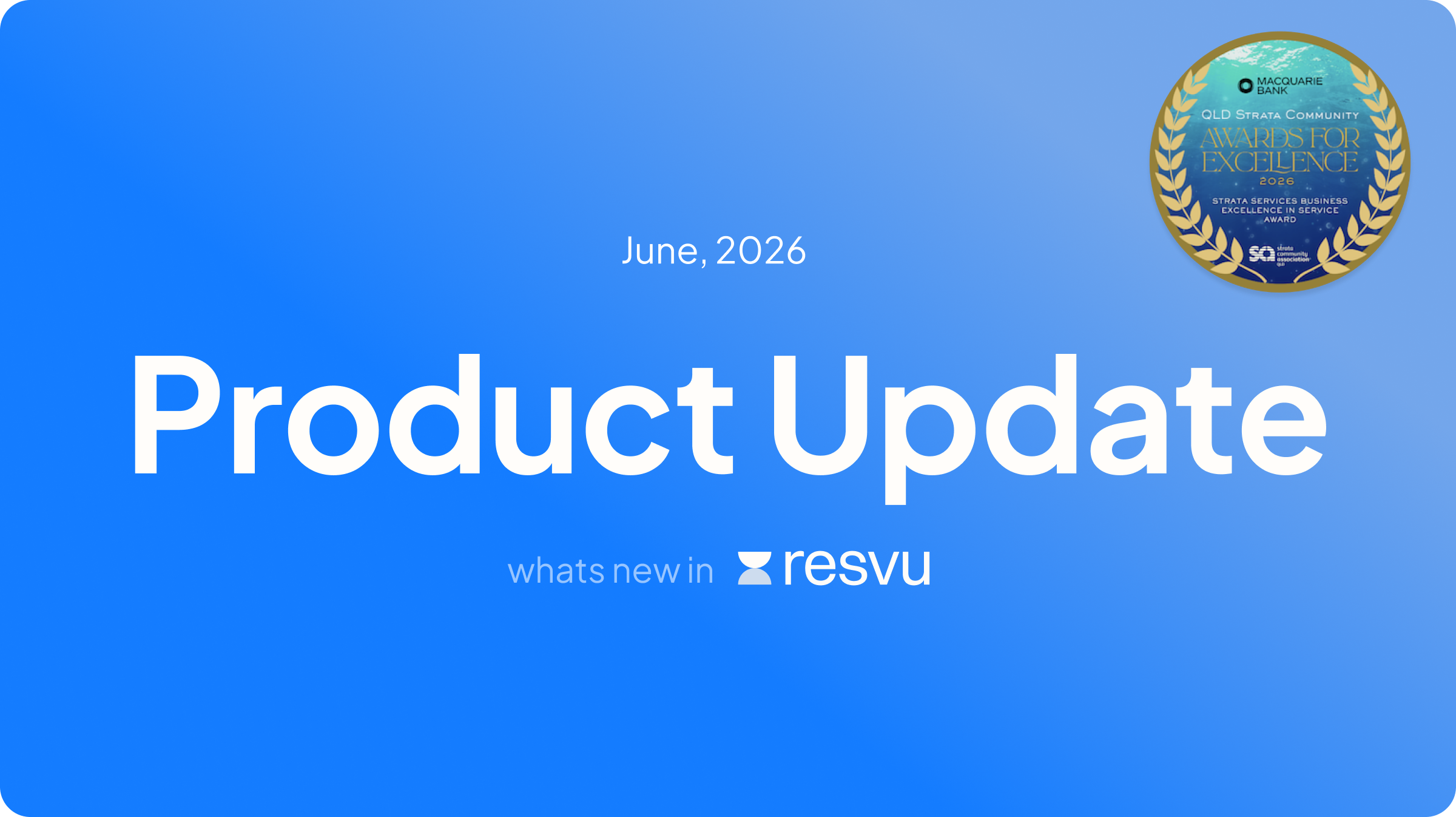
resvu in June 2026
An award win, three new features and a product tip to help your team get more out of resvu this month.
It’s been a big month
resvu took home the 2025–26 SCA Queensland Strata Services Business – Excellence in Service Award this month — the second time we’ve received the honour. It’s recognition we’re proud of, but more than that, it’s a reminder of why the work matters.
If you’d like to read more about our award win, you can check out our post here.
What shipped in June
Three updates this month. All of them came from the same place: the parts of the job that quietly eat time every day.
Admin
AI invoice email triaging
The strata inbox is already full. Adding invoice sorting on top of it means someone on your team is manually reading, coding and filing before any real work begins.
Here’s what changes. When a contractor emails an invoice to your dedicated resvu AI address, the platform reads it, extracts the key details — invoice number, amount, dates, line items, contractor and property — and creates a draft invoice in your admin portal, ready for review. A task is automatically assigned to the right community manager so nothing sits unnoticed.
You still review and approve everything before it’s finalised. The AI does the data entry. You do the judgement call.
Already receiving invoices another way? You can also upload a PDF manually and use the “Code with AI” button to extract the details on demand.
Admin
Feedback Driven
Clearer dashboard notifications
We hear a version of the same story from strata businesses regularly. A comment gets added to a job. No one sees it. Days pass. The client thinks they’re being ignored — but the manager simply didn’t know it was there.
This one came directly from you. The dashboard now shows a notification badge for any new internal or external comments you haven’t seen. Small change, real difference.
Admin
Feedback Driven
Job-specific workflows
One thing we’ve learned from talking to high-volume teams is that small inefficiencies compound quickly. When you’re handling hundreds of work orders a week, an extra five seconds per task adds up to hours.
This one also came from client feedback — and we heard it a lot. Scrolling past irrelevant workflow templates every time you raise a quote or work order is one of those things. You can now toggle whether a workflow is enabled for jobs or not. The list shows you what’s relevant. Nothing else.
tip of the month
Make your workflows work harder
If you’re already using workflows for maintenance and pet requests, it’s worth knowing you can build them from scratch for almost any repeatable process in your business — alterations approvals, AGM checklists, insurance claims, key requests and more.
If you haven’t explored workflow templates yet, our knowledge base has a step-by-step guide to designing one from the ground up. Read it here.
And if your team still lives partly in Outlook, the resvu Outlook add-in lets you turn emails directly into resvu workflows without leaving your inbox. A useful bridge if you’re mid-transition. Learn more here.
— The resvu team
Have feedback on what we build next? We’re always listening. Reach out to your account manager or drop us a note at [email protected].